A Step-by-Step Look at Reporting Safety Issues on Bolt
Bolt places ride support tools and safety reporting inside the same menu flow

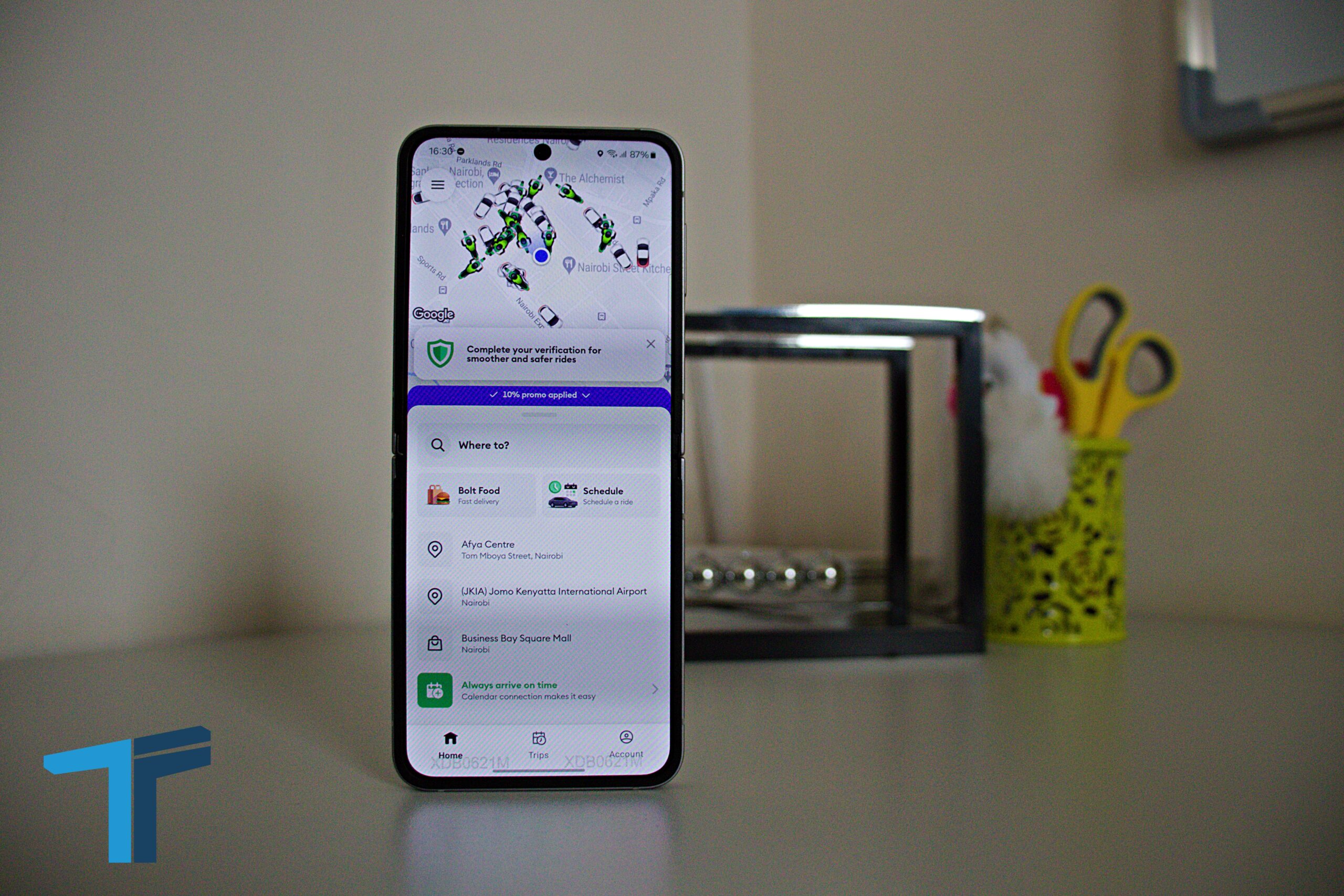
Anyone using the Bolt app can report a safety concern directly through the platform’s built-in support section. The process is handled inside the app and guides users from ride history to the relevant support category before connecting them to Bolt’s response system if further help is needed.
The reporting flow is available through the account and support sections of the app. Users can also access Bolt’s safety toolkit during an active trip through the green shield icon displayed on the ride screen.
Where to Find Bolt Support in the App
To begin a report, open the Bolt app and tap the profile icon in the top-right corner of the screen. From the account menu, select Support.
Inside the support section, Bolt displays options linked to ride assistance, account help and ongoing support conversations. Users looking to raise a concern tied to a previous trip should open the Rides section to access their trip history.


How to Report a Safety Issue
After opening ride history, select the trip connected to the issue you want to report. Bolt then displays a list of ride-related support categories.
One of the available options is:
“I felt unsafe using Bolt”
Selecting that option opens a dedicated safety information page with guidance on what to do next.
The app advises users involved in emergencies, accidents or violent incidents to contact emergency services immediately. Bolt also directs users to its in-app Safety Toolkit, accessed through the green shield icon visible during rides.
What Happens After Submitting a Report
Once the guidance page appears, the app asks whether the information resolved the issue.
If the answer is yes, the report flow ends there. If additional support is needed, users can continue the process and connect with Bolt’s support team for further assistance.
The support system is designed to handle both ongoing ride concerns and reports linked to completed trips. Users can also revisit previous support conversations through the inbox section inside the app.
Why the Feature Matters
Ride-hailing platforms increasingly rely on in-app reporting systems to handle safety complaints, lost property cases and fare disputes without requiring users to leave the platform.
Bolt’s reporting flow places safety tools, ride history and support escalation within the same interface. That structure allows users to move from incident reporting to direct assistance in a few steps.
Go to TECHTRENDSKE.co.ke for more tech and business news from the African continent and across the world.
Follow us on WhatsApp, Telegram, Twitter, and Facebook, or subscribe to our weekly newsletter to ensure you don’t miss out on any future updates. Send tips to editorial@techtrendsmedia.co.ke