
The Panama Playlists Incident Shows Why Learning How to Be Private on Spotify Is More Important Than Ever
How a viral playlist leak revealed just how much of our private music habits are visible to the world

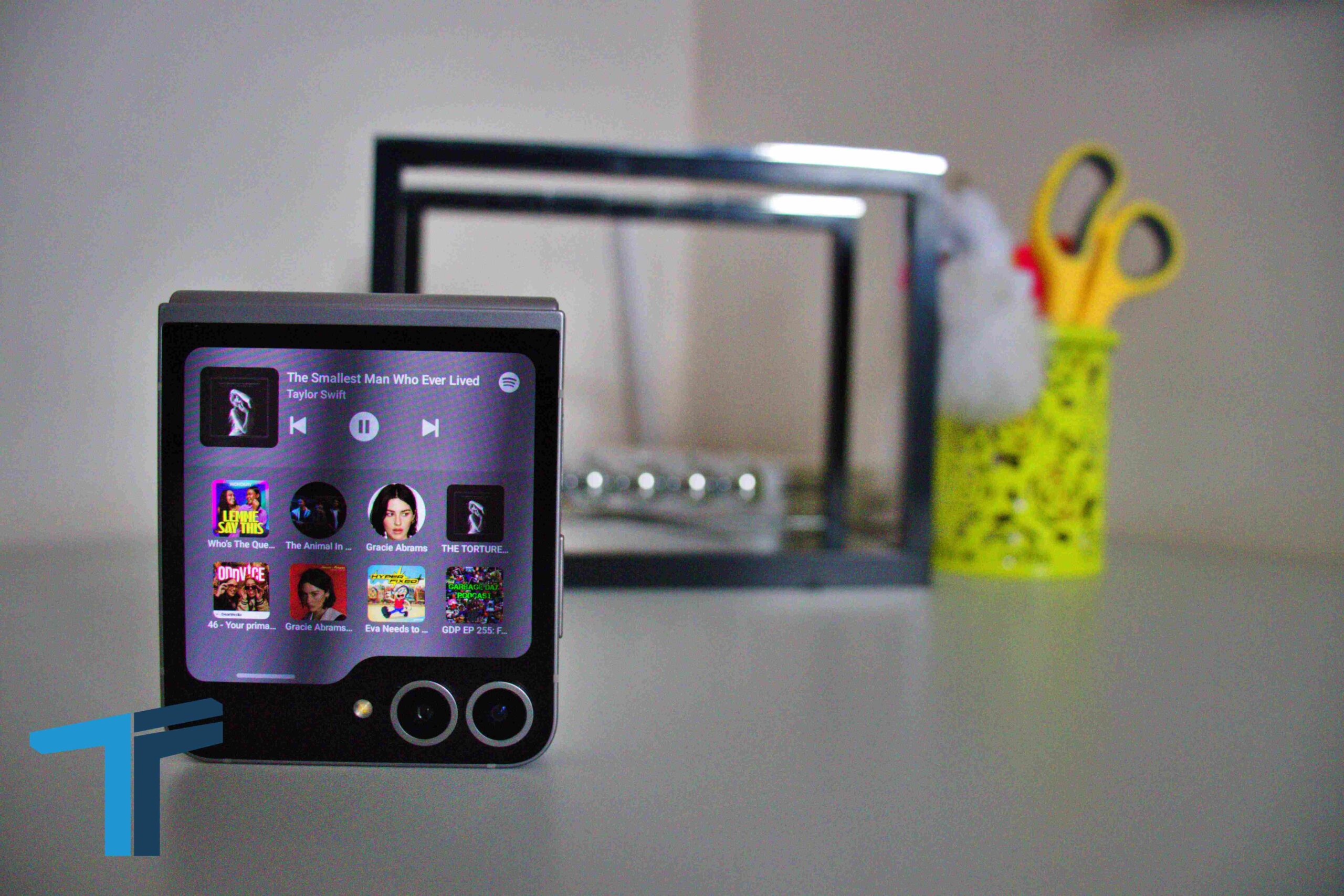
When the so-called Panama Playlists went viral, it exposed something most Spotify listeners didn’t realize: much of their music activity is public by default.

Playlists created years ago, real-time listening activity, even personal names attached to accounts—many users had no idea anyone with a search bar and a bit of curiosity could see all of this.
That episode was a wake-up call. It showed that protecting your listening habits isn’t automatic.
If you value discretion, you need to adjust your settings. Here’s what to know about how to be private on Spotify.

Switch Playlists to Private
Every playlist you create is public by default. To hide them:
- Go to the playlist.
- Click the three dots (•••).
- Select Make Private.
You’ll need to do this individually for each playlist you don’t want to be visible.

Turn Off Listening Activity
Spotify can broadcast every song you play in real time. If you’d rather keep that to yourself:
- Open the Spotify app.
- Go to Settings → Privacy & Social.
- Toggle off Listening Activity.
This prevents others from seeing what you’re currently playing.
Use Private Session Mode
For temporary privacy, start a Private Session.
- On mobile: Tap your profile icon → Settings & Privacy → Privacy & Social → toggle on Private Session.
- On desktop: Click your profile picture → Private Session.
The session ends automatically after six hours of inactivity.
Review Your Profile Information
Old accounts sometimes display real names, email handles, or usernames you no longer use. Update your profile in settings to remove identifiers you don’t want tied to your playlists.
Be Mindful About Follows and Shares
Spotify encourages sharing playlists and following friends, but each interaction adds another layer of visibility. If you prefer privacy, limit follows and avoid sharing playlists with identifying titles (like family names).
The Bigger Lesson
Spotify frames sharing as part of its social DNA—a modern mixtape that connects people. But as the Panama Playlists showed, not everyone wants their private listening tied to their public identity.
Learning how to be private on Spotify doesn’t take long, but it does take intention. Check your settings, clean up your playlists, and decide what you want others to see. After all, your taste in music should be yours to share—or keep—on your own terms.
Go to TECHTRENDSKE.co.ke for more tech and business news from the African continent.
Follow us on WhatsApp, Telegram, Twitter, and Facebook, or subscribe to our weekly newsletter to ensure you don’t miss out on any future updates. Send tips to editorial@techtrendsmedia.co.ke
TechTrends Media Podcasts


