

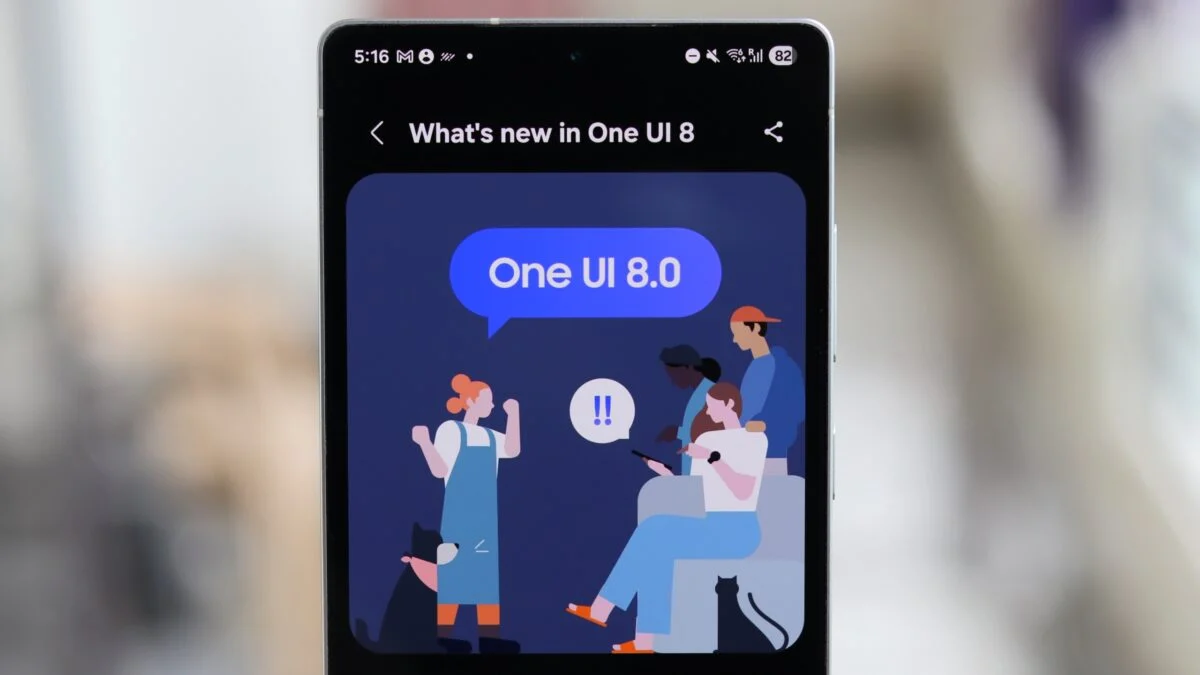
Samsung is continuing the rapid expansion of its new One UI 8 operating system, rolling out the stable, Android 16-based update to seven additional mid-range and rugged smartphones.

Following the initial release for its flagship Galaxy S25 series last month, the major software update is now being deployed to a wider range of devices. The seven smartphones now receiving the update include the Galaxy A53, Galaxy A33, Galaxy M34, Galaxy M35, Galaxy Wide 7, Galaxy Quantum 3, and the rugged Galaxy XCover7 Pro.
The One UI 8 update is one of Samsung’s most significant in years, built on Android 16 and focusing heavily on integrating new artificial intelligence features, enhancing personalization, and improving security. The rollout, which began in South Korea, is expected to expand to other regions in the coming days and weeks.
Key features arriving with One UI 8 include advanced AI tools such as “Gemini Live,” a context-aware AI assistant, and “Call Captions,” which provides real-time on-screen transcription of phone conversations. The Gallery app also receives an upgrade with “Best Face,” a tool that allows users to edit motion photos to select the perfect expression for each person in a group shot, and “Portrait Studio,” which extends portrait effects to photos of pets. For video, a new “Audio Eraser” feature helps remove unwanted background noise.

On the user interface front, One UI 8 introduces a new dynamic lock screen clock with a new font that intelligently adjusts its position to avoid obscuring people or animals in the user’s wallpaper. The system also now provides wallpaper suggestions directly from the user’s own photo gallery.
Security and multitasking have also been enhanced. The update brings “Knox Enhanced Encrypted Protection (KEEP),” a new security architecture to safeguard AI-related data, and upgrades Secure Wi-Fi with post-quantum cryptography. For multitaskers, the split-screen mode has been improved to allow for a more versatile 90/10 window split.

The update for these mid-range devices follows Samsung’s official schedule, which has seen its newest flagships, foldables, and high-end tablets updated first.
This latest wave confirms Samsung’s commitment to bringing its newest software experience to a broad spectrum of its device portfolio, including models from previous years. Users of the eligible devices can check for the update by navigating to Settings, selecting “Software update,” and tapping “Download and install.”
Go to TECHTRENDSKE.co.ke for more tech and business news from the African continent.
Follow us on WhatsApp, Telegram, Twitter, and Facebook, or subscribe to our weekly newsletter to ensure you don’t miss out on any future updates. Send tips to editorial@techtrendsmedia.co.ke


