
HDR10+, HDR10, and Dolby Vision: What Streaming Services Aren’t Telling You About Picture Quality
How different streaming standards and the way your tv interprets metadata can completely change the brightness, color, and contrast of every scene you watch

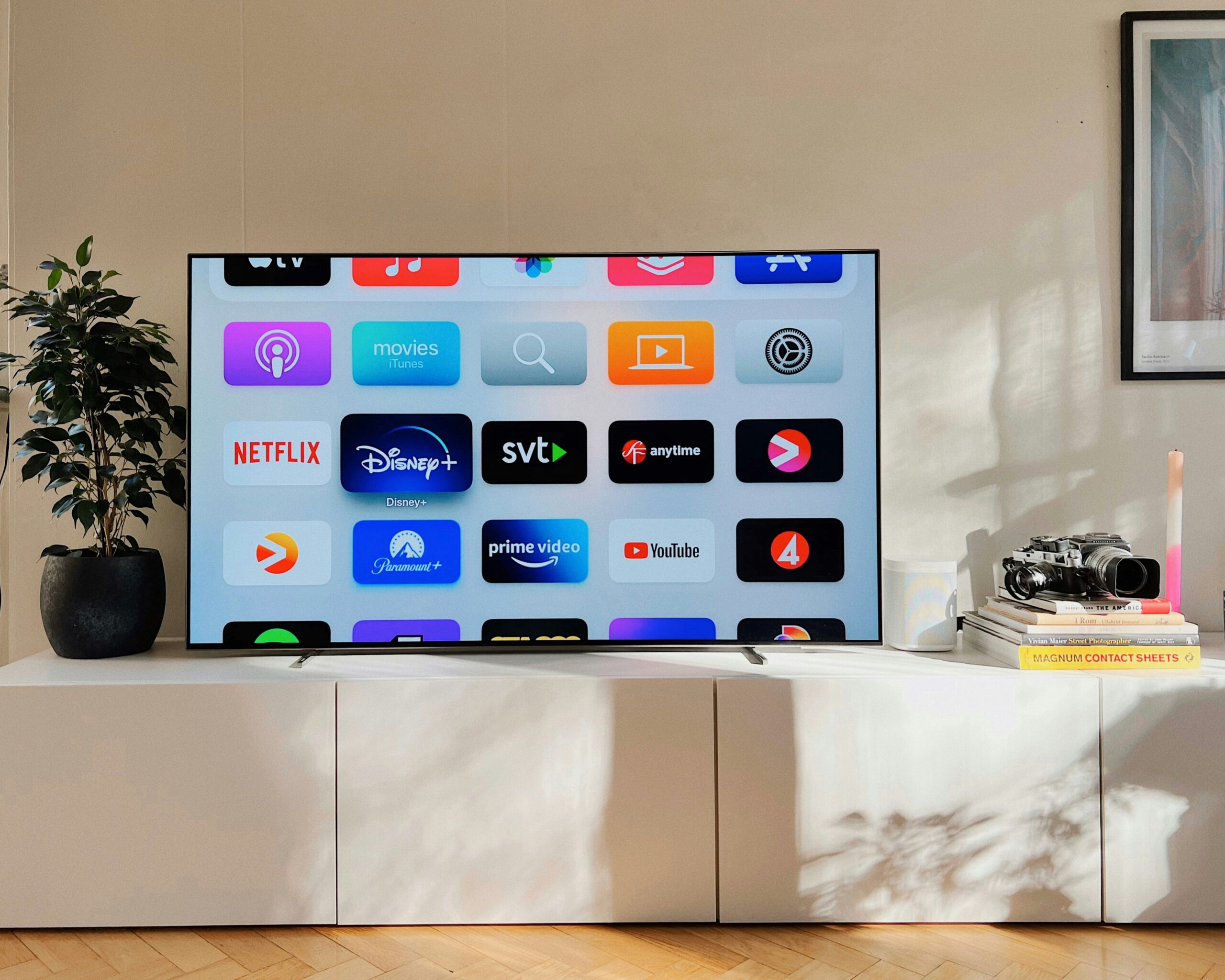
HDR (High Dynamic Range) is designed to make streaming visuals richer and more lifelike. Two standards dominate: HDR10 and Dolby Vision. Both enhance contrast, color, and brightness, but the viewing experience depends on more than the format—it depends on your TV, the streaming platform, and the playback device.

HDR10: Predictable and Universal
HDR10 uses static metadata, meaning a single brightness and color profile applies across the entire title. Most TVs interpret it reliably, often producing consistent results across mid-range and flagship sets. Its 10-bit color depth and peak brightness of roughly 1,000 nits make it a dependable baseline.
Prime Video and Disney+ rely heavily on HDR10. Some content supports HDR10+, which adds dynamic metadata similar to Dolby Vision while remaining royalty-free.
Dolby Vision: Dynamic, but Demanding
Dolby Vision uses dynamic metadata, adjusting brightness and color scene by scene. It supports up to 12-bit color and peak brightness levels beyond 4,000 nits on some displays. In practice, it can show more detail, deeper blacks, and brighter highlights than HDR10.


However, Dolby Vision depends on the TV’s ability to interpret metadata correctly. Poor processing can lead to washed-out colors, clipped highlights, or raised black levels. Devices like the Apple TV 4K often handle Dolby Vision internally, providing more consistent results across a variety of screens.
Device and Platform Influence
- Prime Video: HDR10 delivers consistent brightness and colour, often appearing more natural on mid-range TVs. HDR10+ is selectively supported.
- Netflix: Dolby Vision dominates, but playback quality varies depending on the TV. HDR10+ is slowly rolling out for Samsung TVs that lack Dolby Vision.
- Apple TV: Player-led Dolby Vision often produces the most accurate HDR experience.
Other devices—Roku, Fire TV, Chromecast—handle HDR differently, affecting how Dolby Vision appears compared to HDR10.
Display Panel Differences
- OLED: Excellent contrast and black levels enhance both HDR formats, but metadata interpretation still matters.
- QLED / LCD: Bright highlights are well-handled, but shadow detail may suffer. HDR10 sometimes looks sharper here.
- Mini-LED: Advanced local dimming allows both HDR10 and Dolby Vision to perform closer to intended results, though TV processing remains critical.
Real-World Streaming Performance
- HDR10 is predictable and reliable across a wide range of TVs.
- Dolby Vision can look superior when the TV or device handles metadata correctly, but inconsistent implementation can reduce image quality.
- Compression, bandwidth, and streaming codec behavior also affect HDR performance—Dolby Vision is more sensitive to these factors than HDR10.
Trends and HDR10+
HDR10+ is emerging as a practical alternative to Dolby Vision. By offering dynamic metadata without licensing costs, it allows platforms like Netflix to support more devices, particularly Samsung TVs. Prime Video continues to rely on HDR10 as its default, while Apple TV and Ultra HD Blu-ray releases maintain Dolby Vision as the premium standard.
Conclusion
HDR performance in streaming isn’t determined by standards alone. HDR10 delivers consistent, reliable results across most TVs, while Dolby Vision can achieve superior image quality when both the hardware and device handle its dynamic metadata correctly. HDR10+ provides a practical middle ground, offering dynamic metadata without licensing limitations. Ultimately, the real-world viewing experience depends less on specifications and more on how TVs and streaming devices process the content.
Go to TECHTRENDSKE.co.ke for more tech and business news from the African continent.
Mark your calendars! The TechTrends Pulse is back in Nairobi this October. Join innovators, business leaders, policymakers & tech partners for a half-day forum as we explore how AI is transforming industries, driving digital inclusion, and shaping the future of work in Kenya. Limited slots – Register now – here.
Follow us on WhatsApp, Telegram, Twitter, and Facebook, or subscribe to our weekly newsletter to ensure you don’t miss out on any future updates. Send tips to editorial@techtrendsmedia.co.ke
TechTrends Media Podcasts

